
English · 中文 · Bahasa Melayu
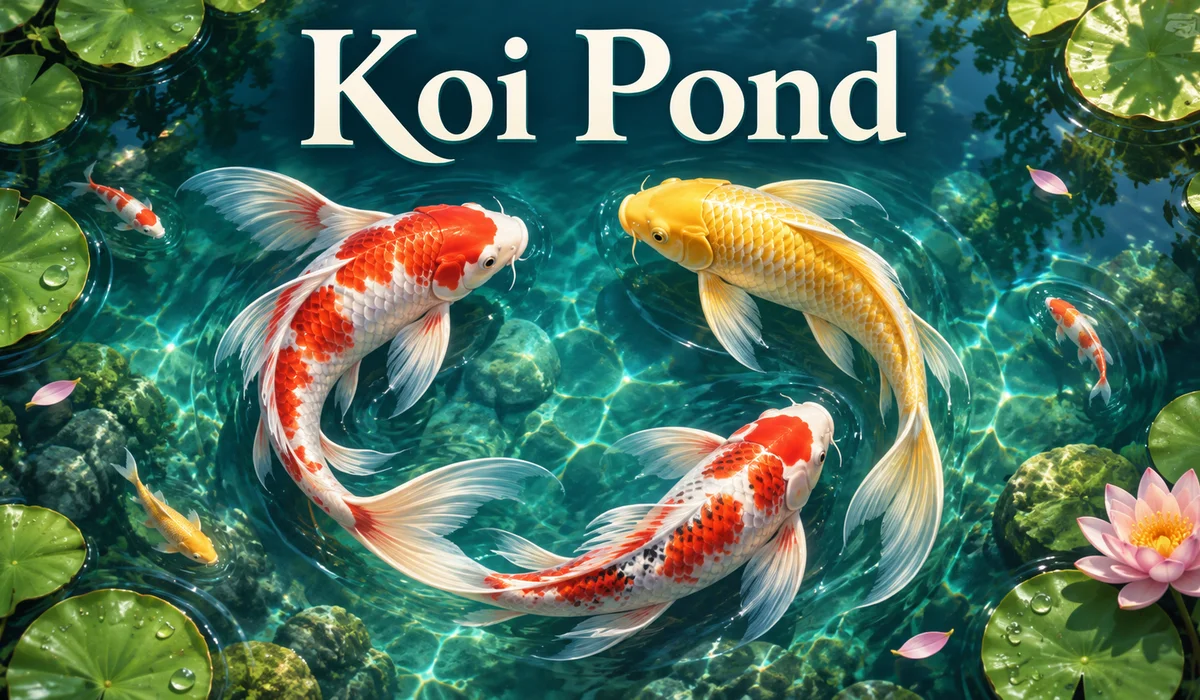
Cover artwork illustrates the game’s theme. See the playable page for the actual game visuals.
Koi Pond is a free browser game where you feed koi, help them grow and catch pond animals to earn game coins. Spend those coins on small koi or extra pond capacity. There is no app to download and no account to create.
Looking for an online fish game you can open during a short break? Play Koi Pond for free.
What is Koi Pond?
Koi Pond brings feeding, catching and pond keeping into one interactive water scene. You can collect coins and grow your fish population, or simply feed the koi and watch them swim.
This guide covers the version titled Koi Pond — Living Water. The rules and numbers below apply to the game linked in this article.
| Feature | How it works |
|---|---|
| Game type | Interactive koi pond with feeding and casual progression |
| Getting started | Open the game in a browser; no installation or registration |
| Controls | Mouse clicks or touchscreen taps |
| Main activities | Feed koi, catch animals, collect coins and expand your fish population |
| Game coins | Used to add koi and increase capacity; no purchases or cash withdrawals |
| Saved progress | Stored in the current browser, without account sync across devices |
How to play Koi Pond in three steps
1. Select Feed and tap the water
Choose Feed at the bottom of the screen, then tap or click the water to drop food. Nearby koi approach the food and grow after eating enough.
A small koi grows to medium size after eating 4 pieces of food. It then needs 6 more pieces to grow large. Growth counts food actually eaten by that fish, so dropping food does not guarantee your chosen koi gets it.
To watch the process, pick a small koi and place food nearby. Follow it as it approaches; another fish may reach the food first.
2. Select Catch to earn game coins
Choose Catch, then tap a koi, frog, turtle or dragonfly. A successful catch adds coins to the balance in the upper left corner.
Each attempt has a cooldown of about 1 second. Wait for the button to become ready before trying again. Tapping empty water does not earn coins, so watch where the animal is before you tap.
Koi rewards increase with body size. You can feed a fish until it grows, then switch to catching to earn a larger reward.
3. Open the coin shop to add koi or capacity
Tap the coin balance in the upper left corner to open the pond shop.
| Shop item | Cost in game coins | What you get |
|---|---|---|
| Add a small koi | 200 | One small koi, provided the pond has an empty space |
| Add 4 capacity spaces | 500 | Room for more koi, up to a maximum capacity of 32; fish are added separately |
A new pond starts with 16 koi and capacity for 20. Add fish while spaces remain, then expand when you reach the limit. Buying capacity does not automatically add fish.
Adjust the pond for a quieter break
The sound button in the upper right corner turns on pond audio. The settings panel lets you adjust water movement, sunlight patterns, shimmer, ripples and raindrops. Graphics options include Automatic, Battery saver and Detailed.
Try Battery saver if the game runs slowly on your device. When you stop interacting, the controls fade away so you can watch the pond. Tap again to bring them back.
Koi Pond frequently asked questions
Is Koi Pond free, and do I need an account?
The Koi Pond version linked here is free to play. It does not require registration and has no paid coin purchases. Open the game page to begin.
Can I play on a phone?
The game supports touchscreen taps as well as mouse clicks on a computer. Performance depends on your device and browser’s graphics support. Try Battery saver in settings if the animation feels slow.
Can I exchange game coins for real money?
No. Koi Pond coins only add koi and expand pond capacity inside this game. There are no cash exchanges, deposits or withdrawals, and the coins are not connected to a YES2WIN account balance.
Does progress survive closing the page?
The game attempts to save coins, pond capacity and koi growth automatically in your browser. Reopening the same game address on the same device and browser will usually let you continue. Clearing site data, private browsing or blocked local storage can prevent progress from being retained.
Can I continue on another phone?
This version has no cloud account save or automatic sync between devices. To keep playing with the same pond, use the original device and browser.
Start your koi pond
For your first visit, select Feed and watch a small koi approach the food. Once you know the controls, try Catch and the coin shop. When you want a break from tapping, turn on the sound and watch the fish pass beneath the water.
Reader comments
No comments yet. Start the conversation.